Short-form creator
You want to adapt a reaction or skit while keeping the original timing and gestures.
Check the first appearance, quick turns, and close-ups before publishing.
video face swapVideo workflow
Replace face in video online by treating the source image, target clip, and final review as separate decisions. Vidmage helps you begin with a focused instruction and then inspect the result instead of judging it from a single frame.

Choose the closest starting point when your goal is broader swapping, a short clip, or a Vidmage-specific workflow.
A dependable result starts with a clear input, a specific instruction, and a review pass after processing.
Use a clear portrait with a visible face and lighting that is reasonably close to the target footage.
State which face should change, what should remain untouched, and whether the original motion and scene should be preserved.
Review several moments, including turns, changes in expression, and frames where the subject overlaps the background.
The source-and-target setup changes the quality of the comparison. This table separates the two sides before you begin the replacement.
Source face
Target video
Source face
Provides the identity and visible facial reference
Target video
Provides the motion, framing, and scene context
Source face
A sharp portrait with an unobstructed face
Target video
Footage where the target face is visible across key moments
Source face
Should be close to the target when possible
Target video
Sets the light that the replacement must visually follow
Source face
A forward-facing or compatible angle is easier to match
Target video
Head turns and changing angles require closer review
Source face
A neutral or relevant expression gives the system a cleaner reference
Target video
The clip determines how expressions and movement appear
Source face
Should not distract from the facial features
Target video
Must remain stable enough to reveal edge or alignment issues
Source face
Check identity clarity and facial detail
Target video
Check continuity from frame to frame
Face replacement can preserve the main idea of a shot while losing small details during conversion. These use cases show where a careful review is especially valuable.
You want to adapt a reaction or skit while keeping the original timing and gestures.
Check the first appearance, quick turns, and close-ups before publishing.
video face swapYou are testing a different performer reference against an existing sequence.
Compare the replacement against the original clip at cuts, pauses, and changes in framing.
Vidmage face-swap workflowYou need a repeatable way to prepare a short clip for a review or concept presentation.
Keep the instruction narrow and document which source face and target clip were used.
short face-swap video workflowYou are exploring how a face reads under different motion, lighting, and camera angles.
Treat the result as a visual test and inspect the full sequence rather than one attractive frame.
moving-footage face swapA convincing still frame is not enough. Use a before-and-after pass to check continuity across the whole clip.
Compare the same moments on both sides, then watch the clip at normal speed. Look for drifting edges, mismatched skin tone, sudden changes in expression, or a face that appears to detach from the head during movement.
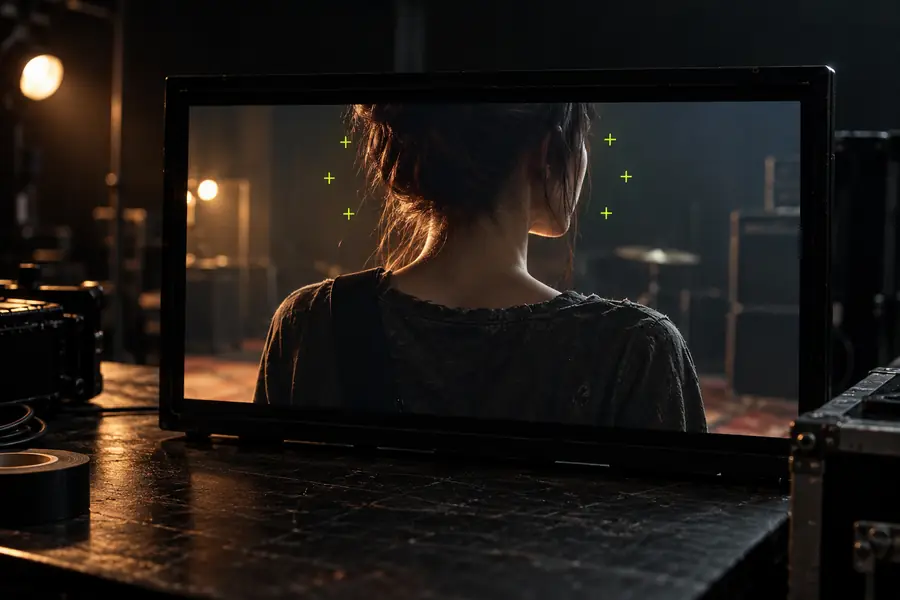
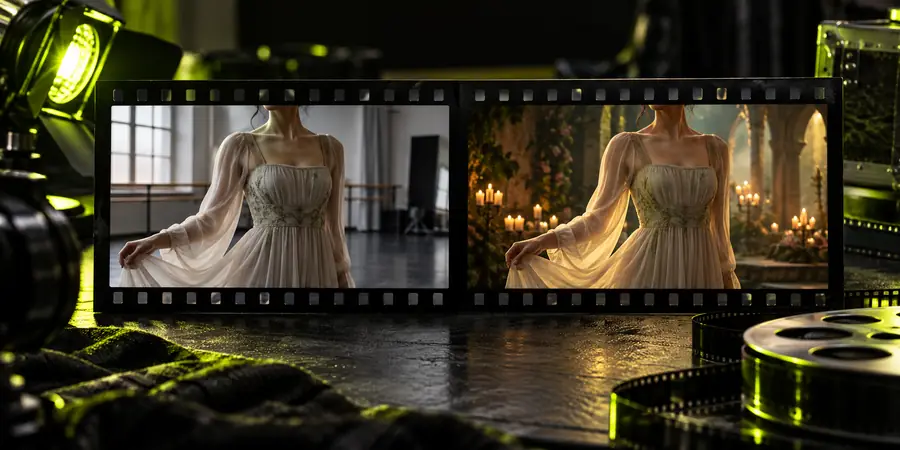
Start with one clear source face and one focused target video. Describe the intended change, then keep time for a full-sequence review so the final choice is based on continuity rather than a single thumbnail.
Replace a face in videoAnswers to common questions about replacing a face in an online video workflow.
Yes, an online workflow can be used to prepare a source face, describe the intended change, and review the resulting video. The quality of the outcome depends on the clarity, angle, lighting, and motion in the supplied material.
Prepare a clear face reference and a target video in which the face is visible during the important moments. It also helps to decide what must stay unchanged, such as the scene, movement, framing, or expression.
Use source and target material with compatible lighting and angles, and keep the instruction specific. After processing, watch the full sequence and check turns, close-ups, cuts, and changing expressions rather than relying on one frame.
The target video still controls motion, lighting, perspective, and surrounding detail, so the source identity may not appear identical in every frame. Differences are most noticeable when the face is partly hidden, changes angle quickly, or appears in uneven light.