Concept artists
They want to test a visual mood, character idea, or cinematic direction before committing to a full production.
Vidmage can help turn an early concept into something easier to discuss and refine.
vidmage ai videoA clear definition
vidmage ai is the AI-focused route for exploring Vidmage’s creative video capabilities. It gives visitors a clearer starting point for deciding whether Vidmage fits a specific idea, source file, or production workflow.

Related routes
Use these nearby pages to move from a broad definition to a specific surface, enhancement task, or editing goal.
Set expectations
Vidmage can be a useful starting point, but a responsible definition includes what the route does not establish on its own.
A description of vidmage ai is not a promise that every prompt, source image, or video will produce the same visual outcome.
WorkaroundStart with a focused concept and review the result before building a larger sequence around it.
Vidmage can support an idea, but it cannot decide your audience, message, pacing, or final editorial judgment.
WorkaroundDefine the purpose, tone, framing, and delivery context before using the tool.
AI-assisted output may contain visual inconsistencies, awkward motion, or details that need correction before publishing.
WorkaroundInspect important frames, compare alternatives, and keep a human approval step.
The vidmage ai label describes the page topic, not a complete list of models, formats, controls, or limits.
WorkaroundCheck the current Vidmage workflow after opening the product and confirm the controls available for your task.
The basic flow
A simple three-stage approach keeps the creative decision separate from the tool’s current capabilities.
Write down what you want to make, improve, transform, or investigate, including the subject, mood, and intended use.
Use an appropriate prompt, image, video, or other supported input when the Vidmage workflow asks for one. Keep the first attempt focused.
Assess the output against your original goal, then adjust the idea or source material rather than assuming the first result is final.
A useful distinction
This comparison separates the role of an AI-assisted route from the broader work of making a finished video.
Vidmage AI route
Manual editing workflow
Vidmage AI route
Prompt or supported source material, depending on the current workflow
Manual editing workflow
Footage, images, audio, and a planned edit assembled by the creator
Vidmage AI route
Useful for testing a visual direction quickly
Manual editing workflow
Usually requires more deliberate setup before the first complete draft
Vidmage AI route
May help explore options, but exact control depends on available tools
Manual editing workflow
Direct control over timing, cuts, layers, and adjustments
Vidmage AI route
Results can vary between attempts and should be checked
Manual editing workflow
Repeatability comes from saved assets, settings, and editing decisions
Vidmage AI route
Ideation, transformation, enhancement, or early-stage exploration
Manual editing workflow
Detailed finishing, continuity work, and final assembly
Vidmage AI route
Essential before sharing or publishing important work
Manual editing workflow
Still essential for quality, rights, context, and audience fit
Illustrative view
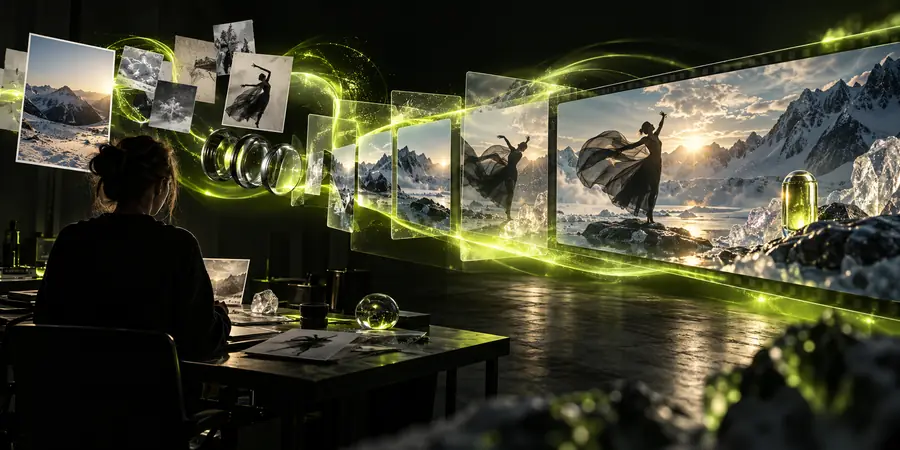
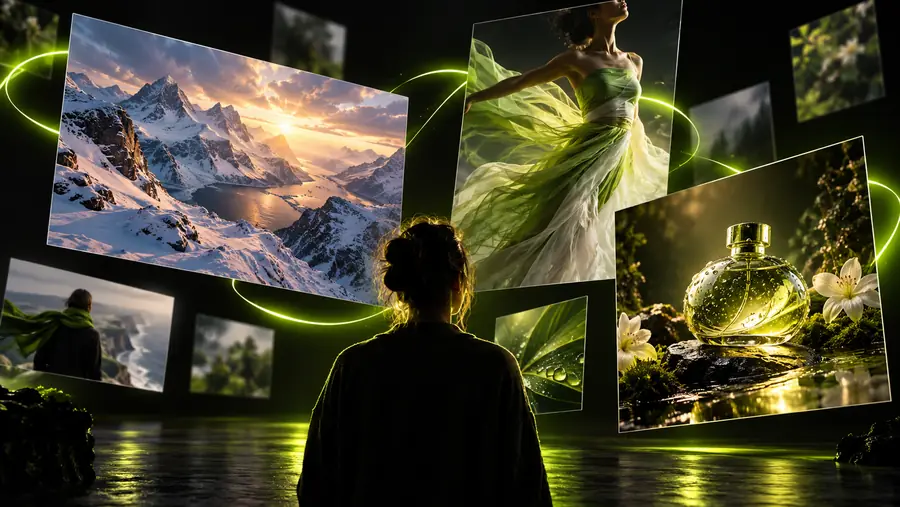
The pair below is a visual aid for thinking about an input and a more developed output; it is not a guarantee of a particular transformation.
Use the product to verify the actual transformation available for your input.
Practical audiences
Different people may approach Vidmage with different goals. The common thread is using AI assistance as part of a reviewable creative process.
They want to test a visual mood, character idea, or cinematic direction before committing to a full production.
Vidmage can help turn an early concept into something easier to discuss and refine.
vidmage ai videoThey need a fresh visual starting point for a social clip, announcement, or expressive experiment.
A focused Vidmage workflow can support fast iteration while leaving the final edit to the creator.
vidmage appThey are evaluating whether an AI-assisted step belongs in a larger video pipeline.
Vidmage gives them a route to assess fit, review output quality, and identify where human control remains necessary.
vidmage ai video upscalerThey begin with still imagery and want to understand whether a related enhancement or motion workflow is relevant.
The Vidmage family of routes helps them compare a photo-first task with a video-first task.
vidmage ai photo enhancerChoose your next step
If you are still defining the task, start with the Vidmage route that best matches your source material and intended result. Keep the first experiment narrow, review what the product currently supports, and treat every output as a draft until it meets your quality and rights checks.
Open VidmageCommon questions
vidmage ai is a search and product topic describing Vidmage’s AI-oriented creative workflow. It is best understood as a starting point for exploring how Vidmage may assist with video ideas, transformations, or enhancements, subject to the tools currently available.
It may support parts of a video creation or enhancement process, but the label alone does not establish that it replaces a full traditional editor. Plan to review the current Vidmage surface and keep final assembly and quality control in your workflow.
Potential uses include exploring a visual concept, working from supported source material, and investigating AI-assisted video or image tasks. The suitable use depends on the input, the controls offered in the current Vidmage experience, and the result you need.
You should not assume that any single Vidmage attempt is a finished, publish-ready video. Treat generated or transformed material as a draft, check continuity and quality, and make the editorial decisions needed for your audience.
It may suit creators, editors, artists, and producers who want to evaluate an AI-assisted step in a visual workflow. It is most useful when the user has a clear objective and is prepared to review and refine the result.