Practical workflow
Try vidmage face swap with a clear workflow
Vidmage face swap is easiest to evaluate when you separate the source media, the intended subject, and the final review. Use this page to understand the route before handing off your request.
Three parts of the workflow
A useful face swap process has three distinct stages. Keeping them separate makes it easier to identify whether an issue comes from the source, the match, or the final output.
-
1
Prepare the source
Choose a video with a visible subject and a reference image or frame where the intended face is clear. Avoid beginning with heavily obscured or extremely small facial details.
-
2
Describe the intended match
State whose face should be used, which subject should change, and what should remain consistent, such as the scene, pose, expression, or overall look.
-
3
Review before sharing
Check identity consistency, edge transitions, lighting, expressions, and motion across the clip. Keep the result private until it meets your own standard and consent requirements.
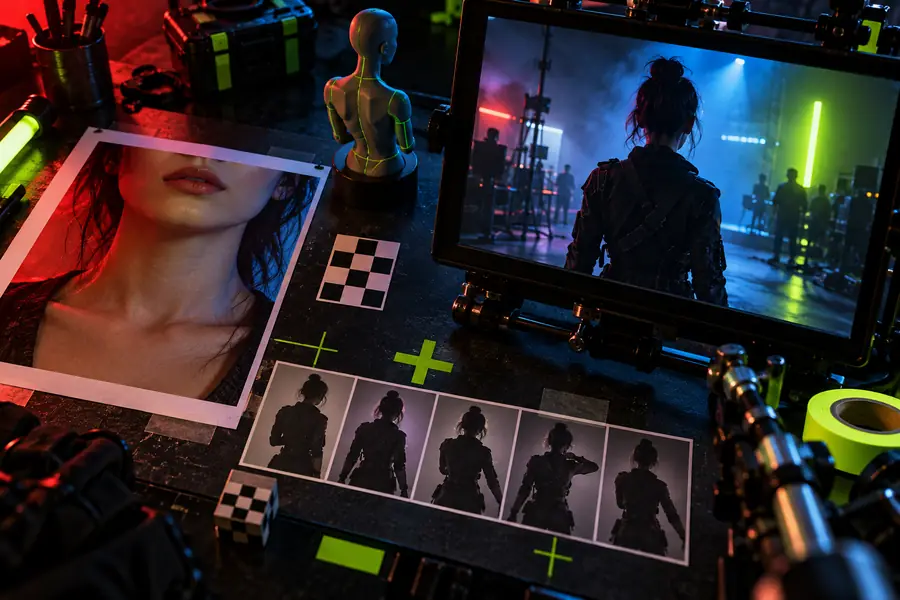
- Source setup
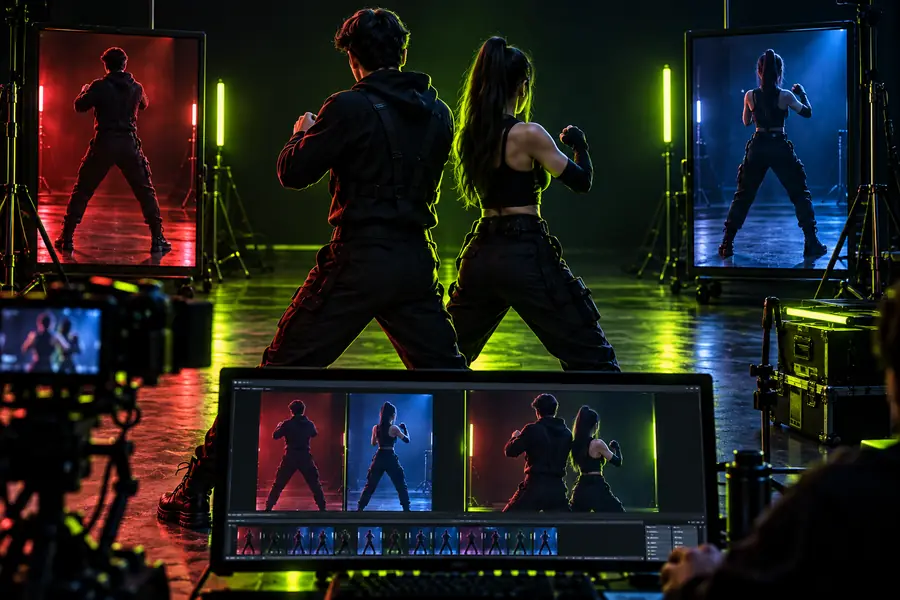
- Reviewed result
Compare the source setup with the finished result, then inspect the face through movement rather than judging a single frame.
Vidmage face swap route
Your source media
Primary role
Vidmage face swap route
Guides the request toward a face-swap workflow
Your source media
Provides the video and reference material
What you control
Vidmage face swap route
The description, intended subject, and requested changes
Your source media
The clarity, framing, lighting, and motion in the inputs
Best starting point
Vidmage face swap route
A specific request with a clear visual goal
Your source media
A visible face and a usable reference image or frame
Main review task
Vidmage face swap route
Check whether the requested subject was interpreted correctly
Your source media
Check whether the face remains visible across the footage
Common risk
Vidmage face swap route
A vague instruction can leave important choices unresolved
Your source media
Obstructions, blur, fast movement, or mismatched angles can reduce consistency
Responsible use
Vidmage face swap route
Keep the request lawful, respectful, and within the permissions of the people shown
Your source media
Use media you have the right to edit and avoid misleading or harmful presentation
Useful next action
Vidmage face swap route
Refine the description if the intended change is unclear
Your source media
Choose a cleaner clip or reference when the source is difficult to read
Limits and edges
A face-swap route cannot remove every source problem or guarantee a convincing result in every scene. These are the edges to check before you commit to a final output.
-
Poor visibility
A face that is tiny, turned away, covered, or blurred gives the workflow less visual information to work with.
WorkaroundStart with a clearer clip or a reference showing the face at a similar angle.
-
Fast or complex motion
Rapid movement, changing poses, hands near the face, and strong motion blur can make consistency harder to judge.
WorkaroundUse a shorter, steadier segment first and review several frames instead of one still.
-
Mismatched lighting
A bright reference and a dark scene may create visible differences in tone, contrast, or edge appearance.
WorkaroundChoose media with more compatible lighting or describe which scene qualities should remain unchanged.
-
Identity and consent concerns
A technically successful edit can still be inappropriate if the people shown have not agreed to the transformation or its use.
WorkaroundUse your own media or obtain clear permission, and label altered content where context could be misunderstood.
Ready to test the workflow?
Send a specific face-swap request with suitable source media, then review the result carefully before you publish or share it. A concise description gives the handoff a clearer starting point.
Try face swap- Describe the subject and intended change
- Use a clear reference and source clip
- Review motion, lighting, and consent before sharing
FAQ
These answers address the practical questions people commonly attach to the vidmage face swap search.
Vidmage face swap refers to using Vidmage in a workflow intended to replace or transform a face in video or related visual media. The result depends on the request, source material, and how carefully the output is reviewed.
Prepare a video with a visible subject and a reference image or frame that clearly shows the intended face. A concise description should identify what changes and what should stay the same.
Not every video is equally suitable. Obstructions, low resolution, extreme angles, rapid movement, and inconsistent lighting can make the result harder to evaluate, so begin with a clear and manageable clip.
Use source media with good visibility, choose a reference with compatible angle and lighting, and describe the desired change precisely. Review multiple moments in the clip rather than judging a single still frame.
No. Use media you have the right to edit and obtain consent from people represented in the transformation. Avoid deceptive, harmful, or humiliating uses, and provide context when an altered video could be mistaken for real footage.